Long ago I thought about starting a blog. Had to decide which Theme I should use. Hundreds of free Themes offered on wordpress.com. My requirements were:
With a text heading and a sub heading outside that image
Dark text on white background
All the rest came later
Tag Cloud
Search Function
and so on
I had to choose from hundreds of Themes offered on wordpress.com. Decided to use the Yoko Theme.
Later for my Weststadt-Blog with an own self designed image.
And Of course I wanted that my successor FlatPress blogs will look similar. And so I tried to find a FP theme with a look similar to my old WordPress Theme. That is the reason for my busy themes research – not burning ambition 😉
Until now I found with design matching more or less with my desire:
Help Hints below Heading "Images" for "height" do not work
Code
[h3]My result with different widths[/h3]
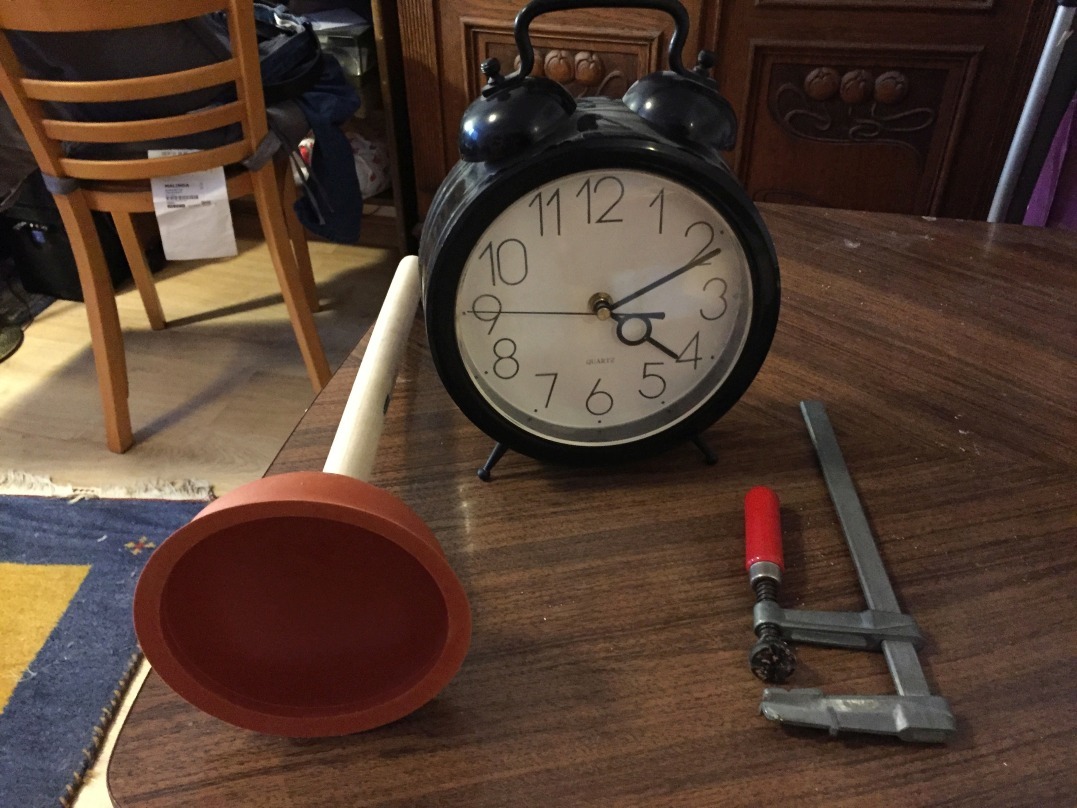
[img=images/2601229_7393i6k_AusDerUhrmacherwerkstatt.jpg width="50" title="'width=50'"]
[img=images/2601229_7393i6k_AusDerUhrmacherwerkstatt.jpg width="100" title="'width=100'"]
[img=images/2601229_7393i6k_AusDerUhrmacherwerkstatt.jpg width="200" title="'width=200'"]
[h4] [/h4]
[h3]My result with different heights[/h3]
[img=images/2601229_7393i6k_AusDerUhrmacherwerkstatt.jpg height="50" title="'height=50'"]
[img=images/2601229_7393i6k_AusDerUhrmacherwerkstatt.jpg height="100" title="'height=100'"]
[img=images/2601229_7393i6k_AusDerUhrmacherwerkstatt.jpg height="200" title="'height=200'"]
---
[h2]Now the same for external image[/h2]
[h3]My result with different widths[/h3]
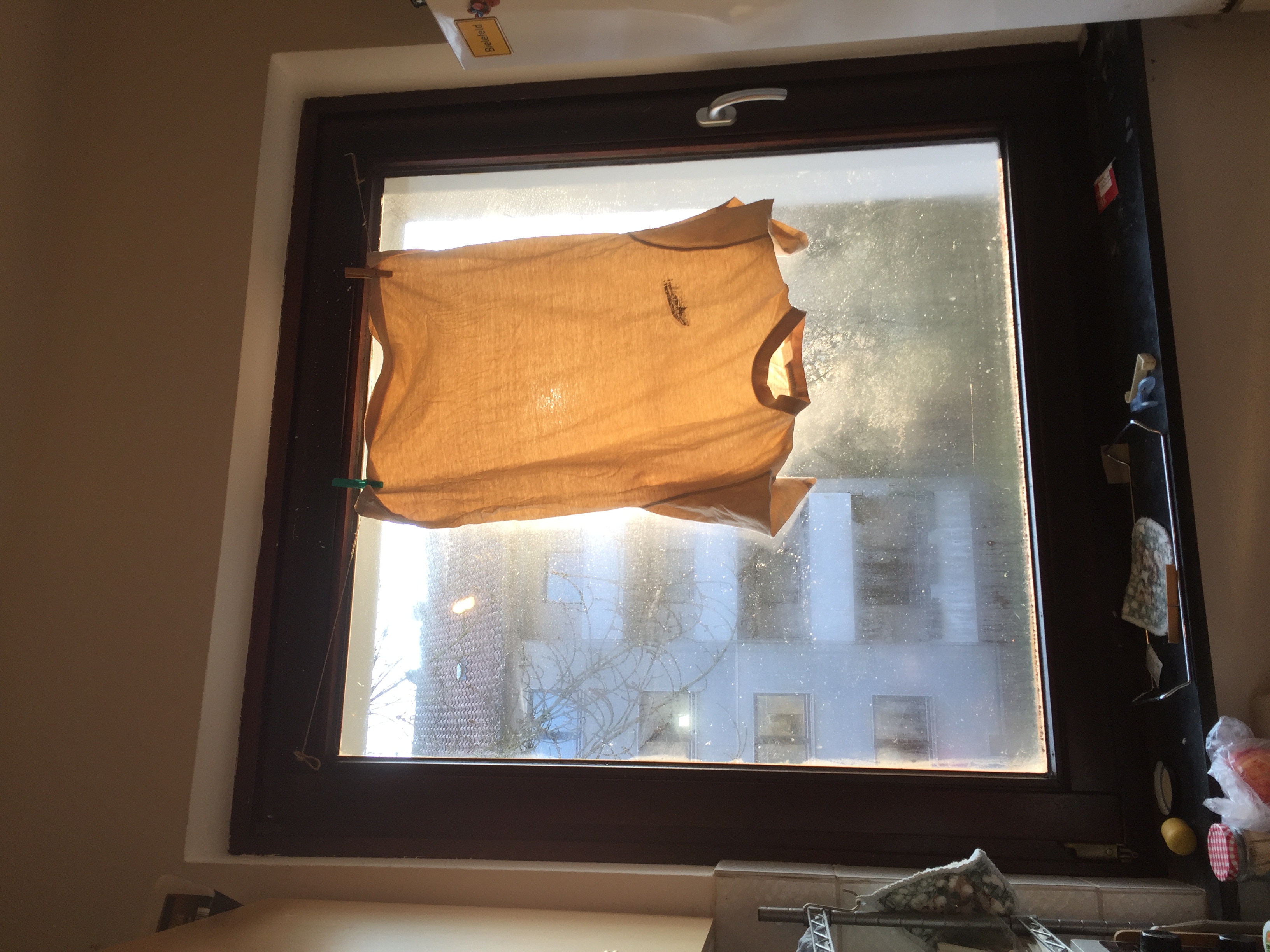
[img=https://feddit.org/pictrs/image/b04fb395-030f-4ea0-8195-67016678f804.jpeg width="50" title="'width=50'"]
[img=https://feddit.org/pictrs/image/b04fb395-030f-4ea0-8195-67016678f804.jpeg width="100" title="'width=100'"]
[img=https://feddit.org/pictrs/image/b04fb395-030f-4ea0-8195-67016678f804.jpeg width="200" title="'width=200'"]
--
[h3]My result with different heights[/h3]
[img=https://feddit.org/pictrs/image/b04fb395-030f-4ea0-8195-67016678f804.jpeg height="50" title="'height=50'"]
[img=https://feddit.org/pictrs/image/b04fb395-030f-4ea0-8195-67016678f804.jpeg height="100" title="'height=100'"]
[img=https://feddit.org/pictrs/image/b04fb395-030f-4ea0-8195-67016678f804.jpeg height="200" title="'height=200'"]
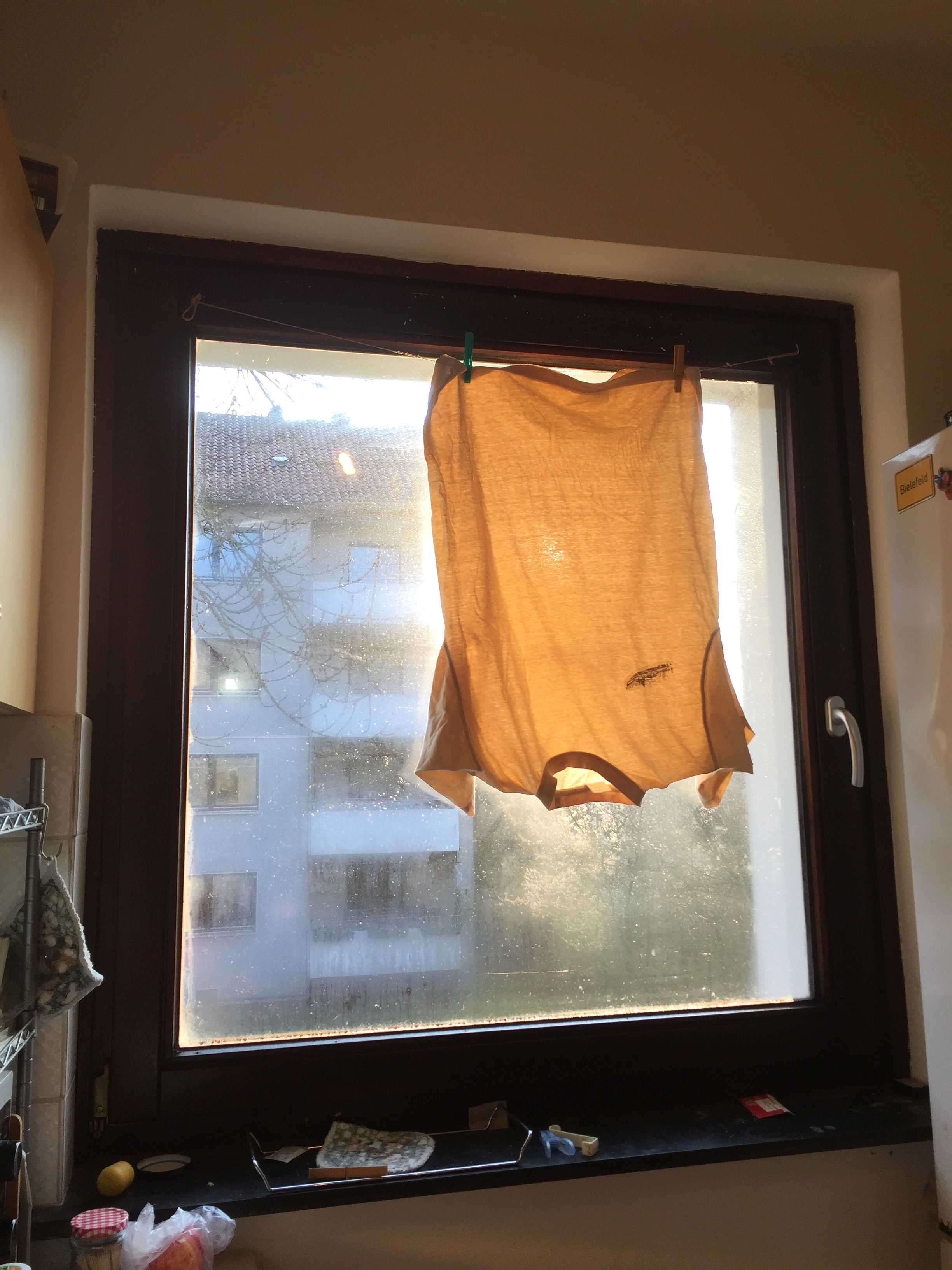
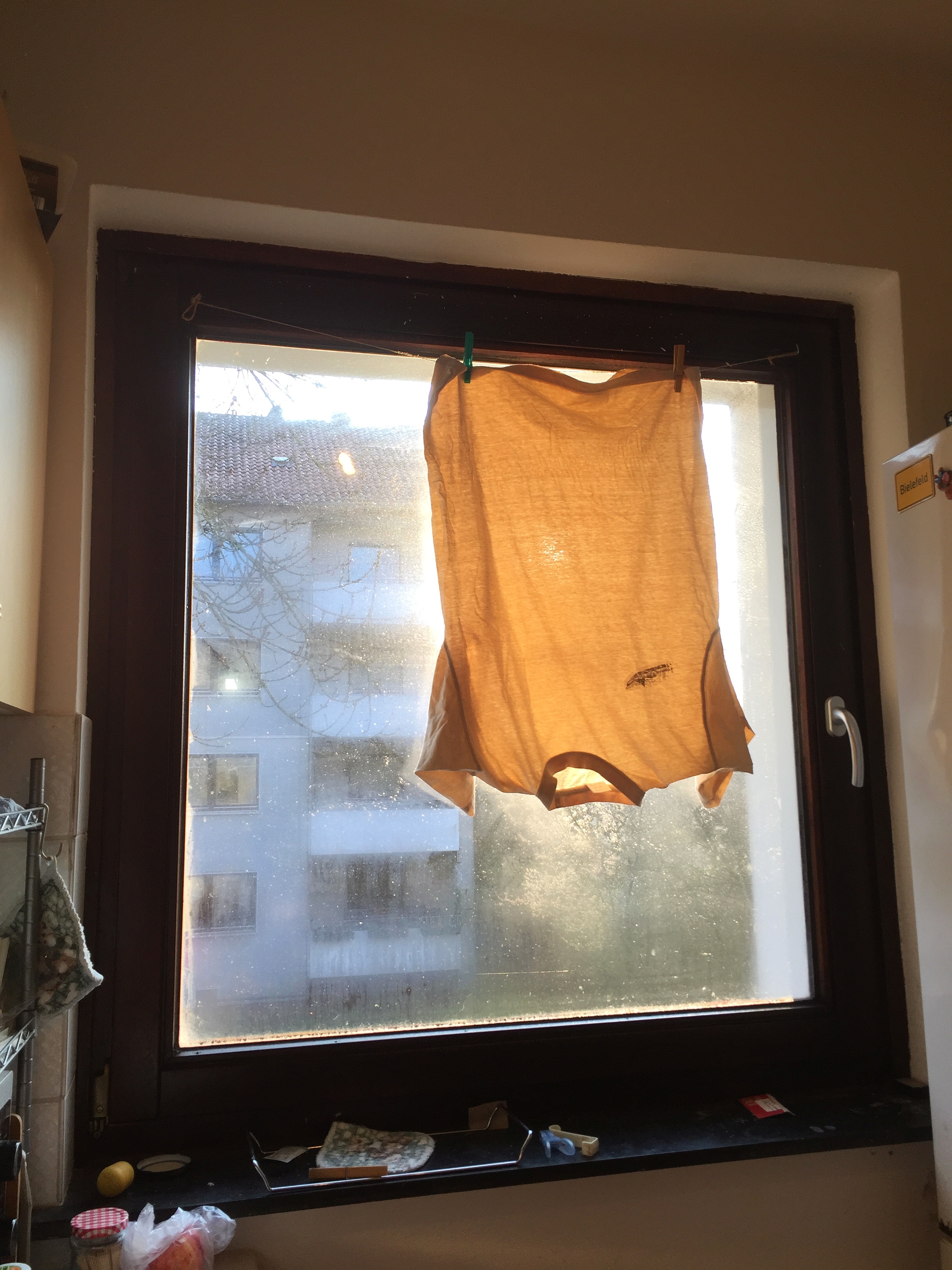
Browser Preview shows how it looks on iPhone6 Screen, IrfanView, Win10 files Explorer Preview, nearby all my image viewers. Gimp Asks "Show turne or original orientation?". rotation view like in FP in Libreoffice Draw,
In FP Gallery Preview it is shown wrongly rotated 90° clockwise
Image View: orientation is shown correct, but the Protrait Photo is shown Landscape, with and height interchanged