Sunday, March 22, 2026 at Mar 22, 2026
My results in 1 Steps
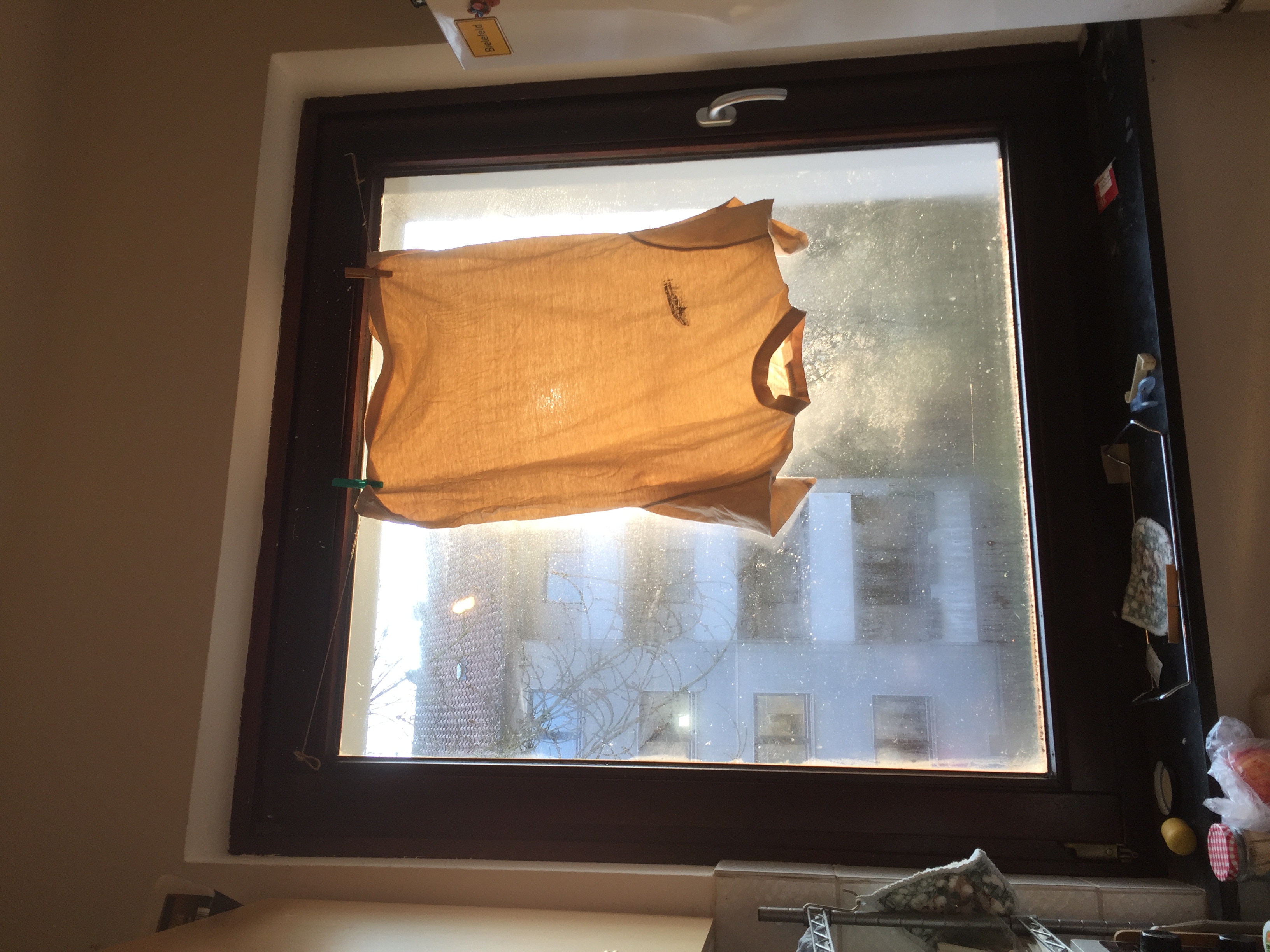
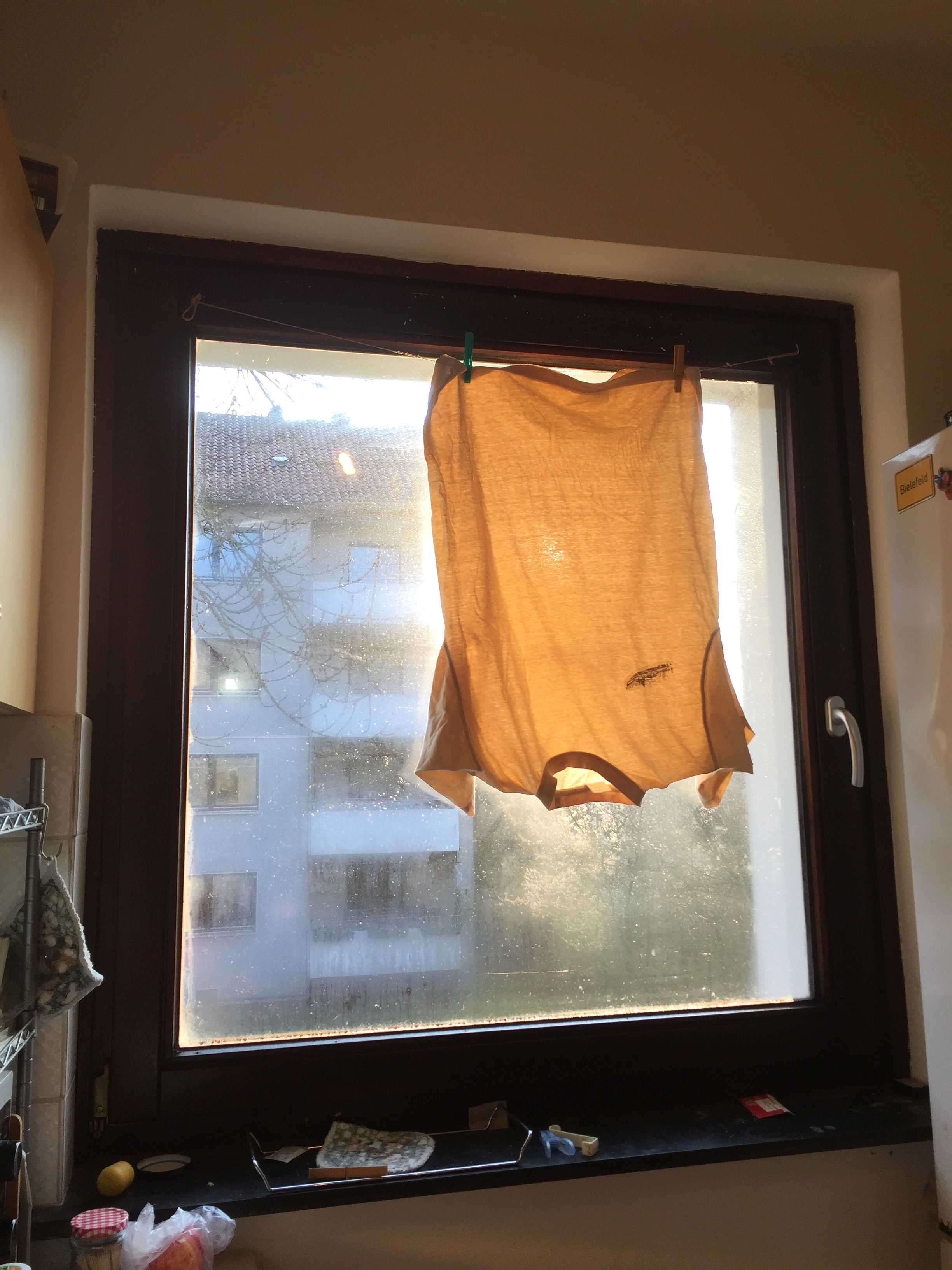
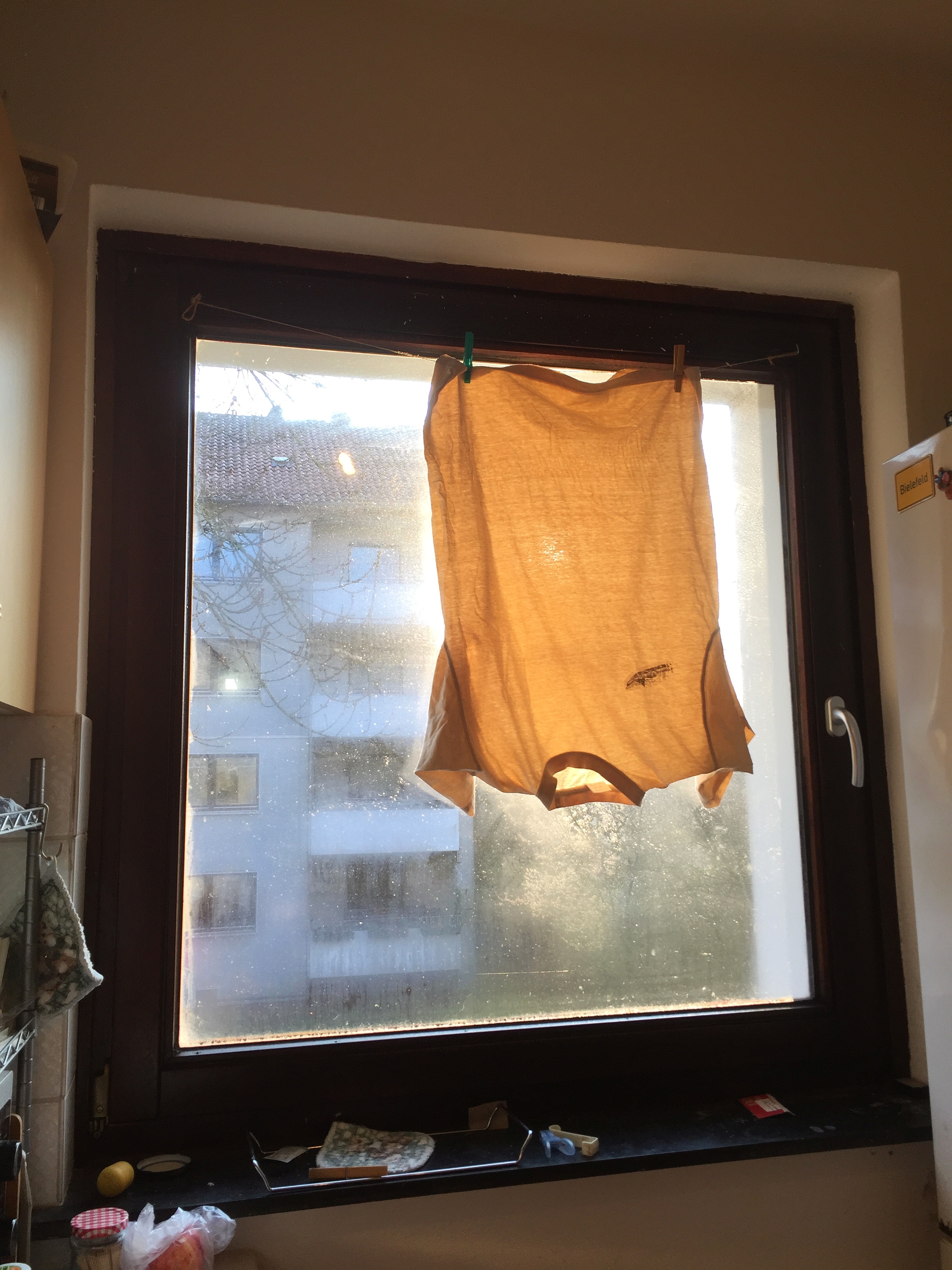
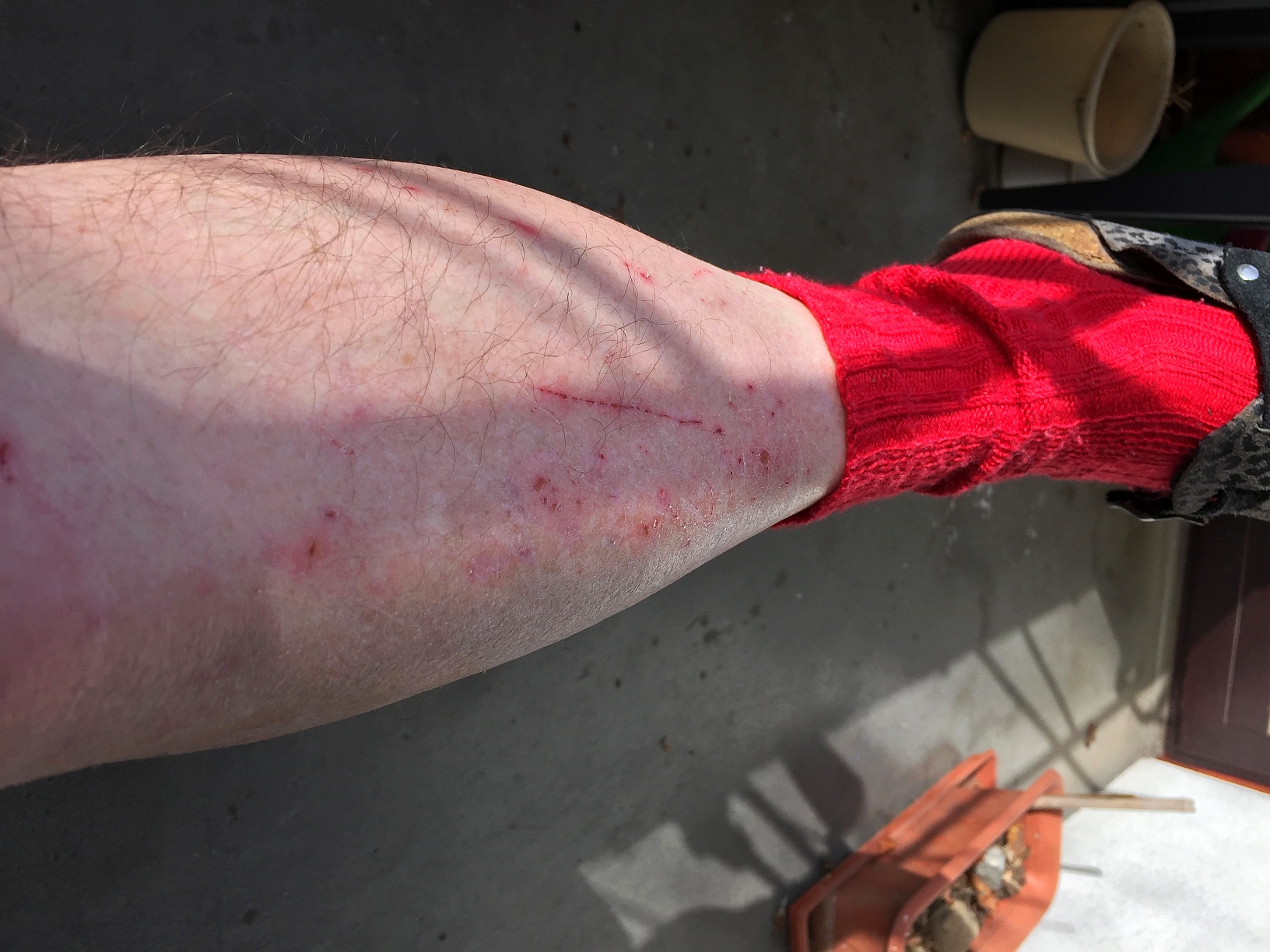
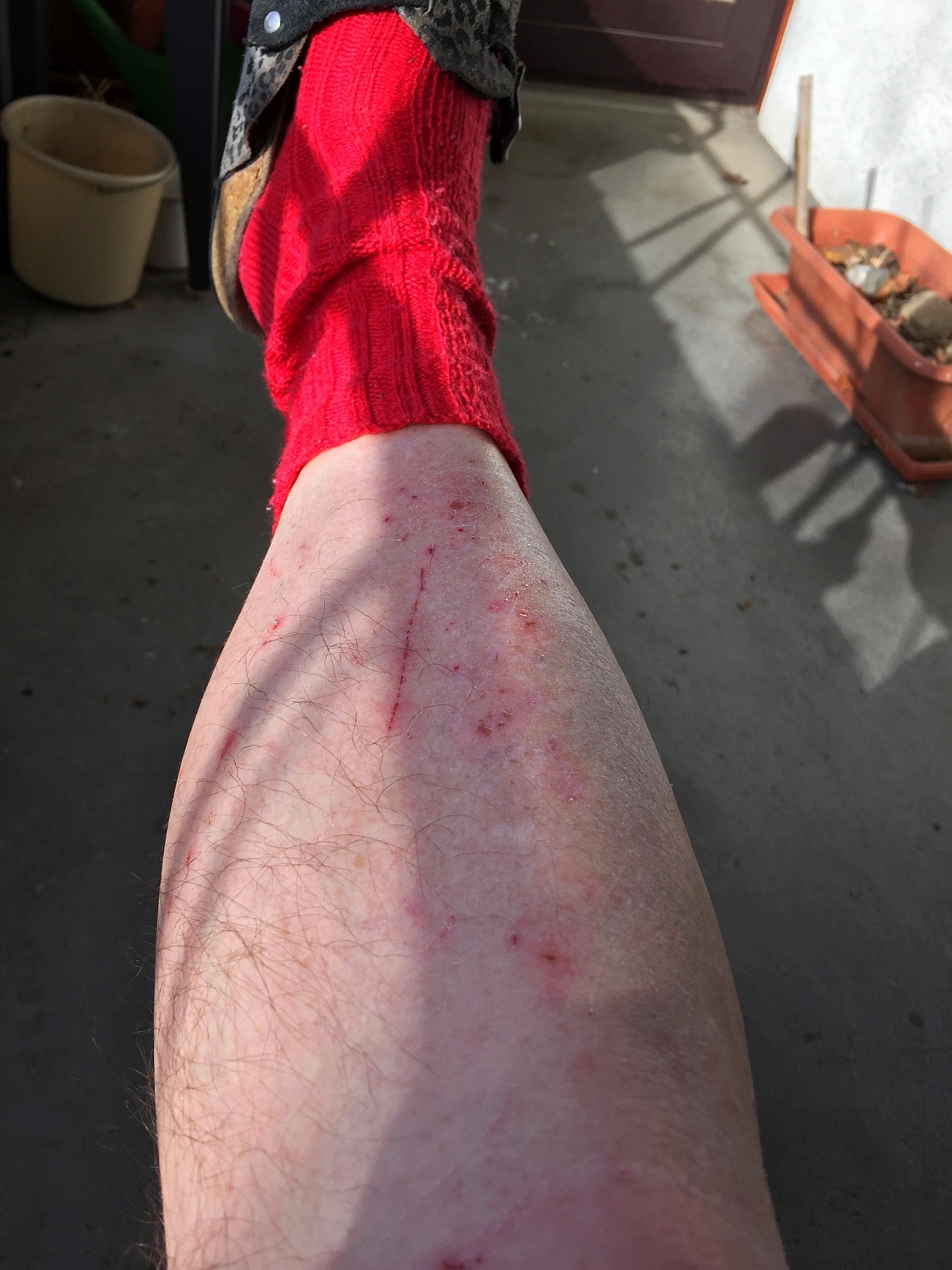
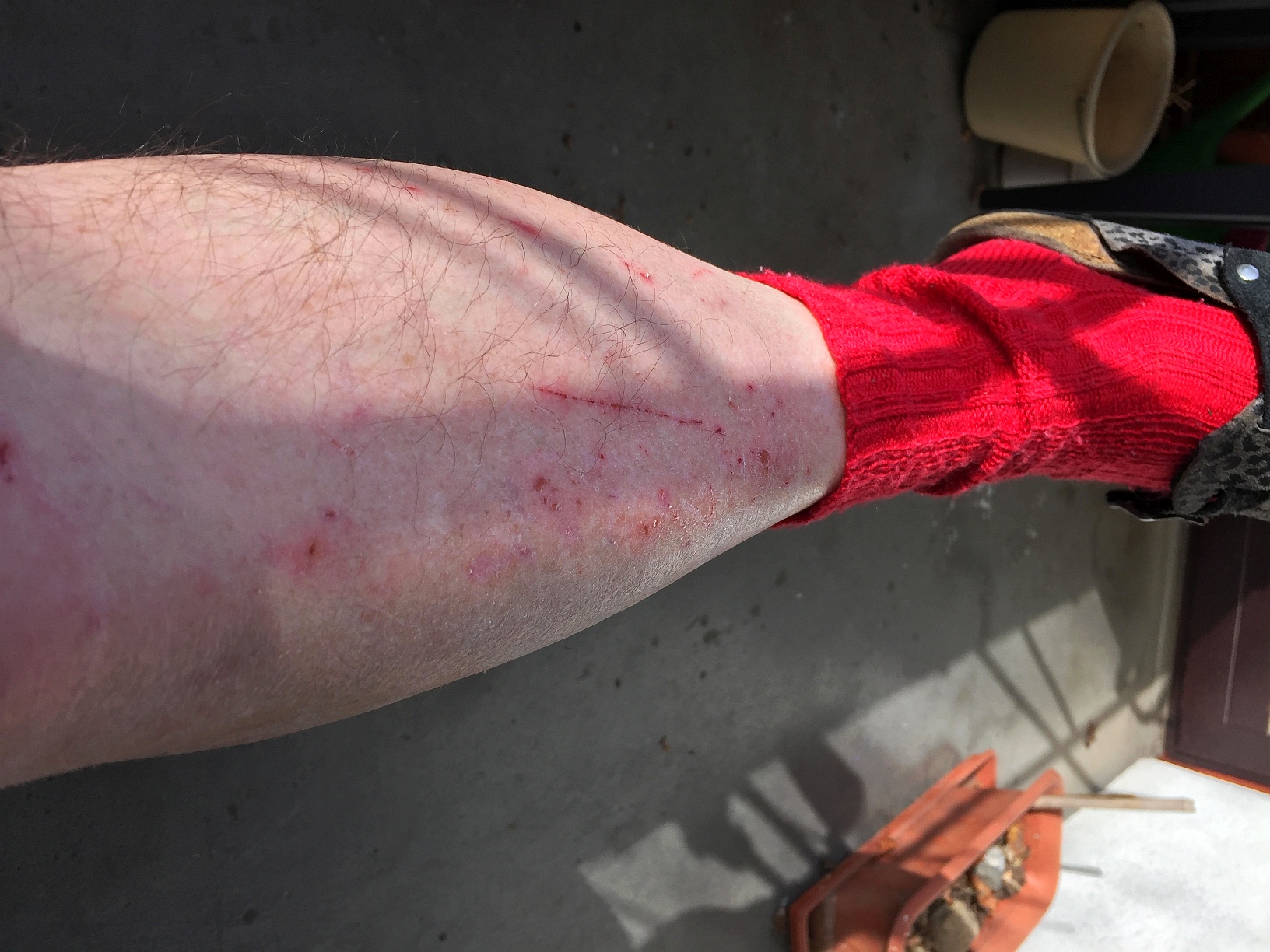
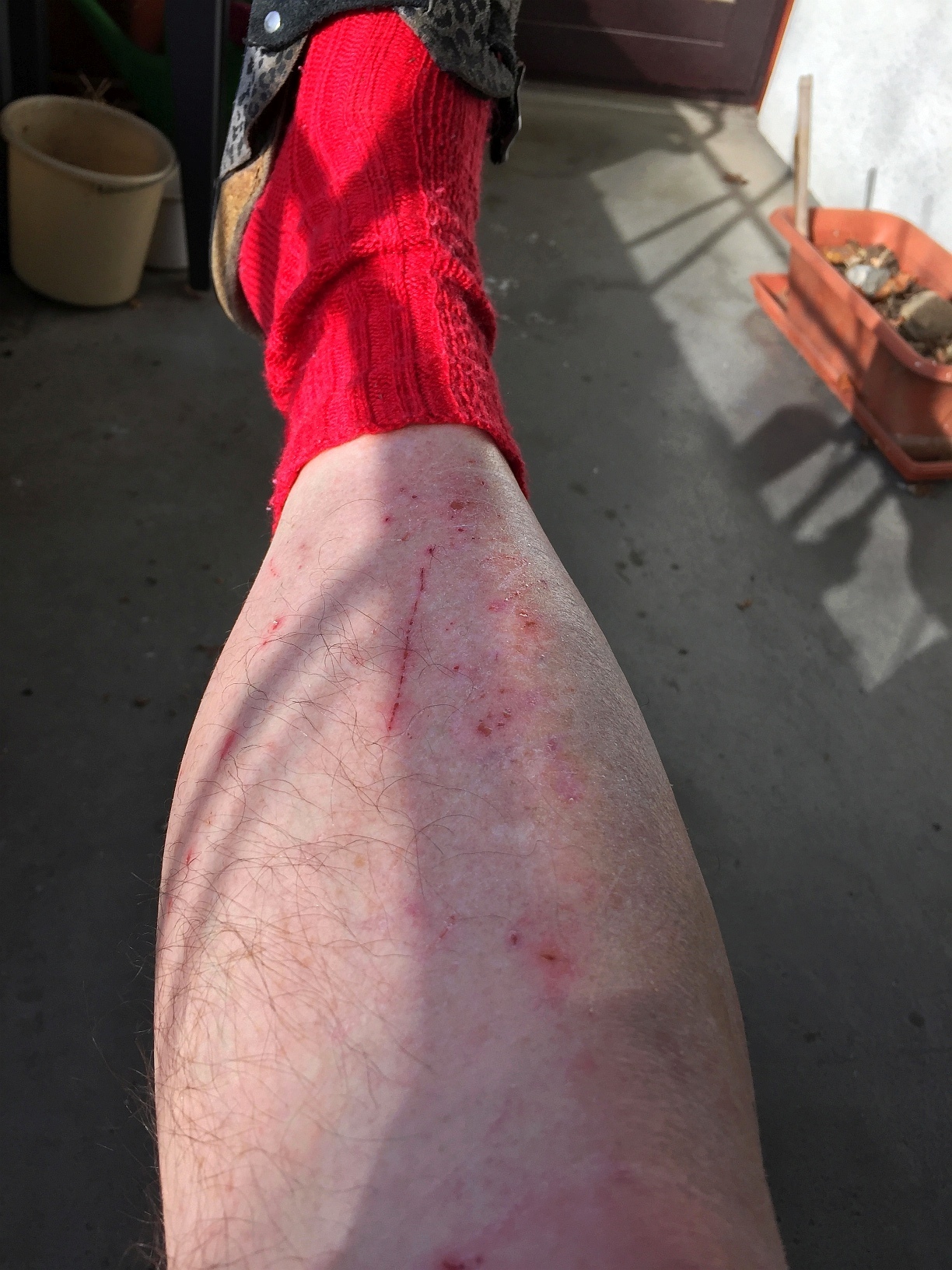
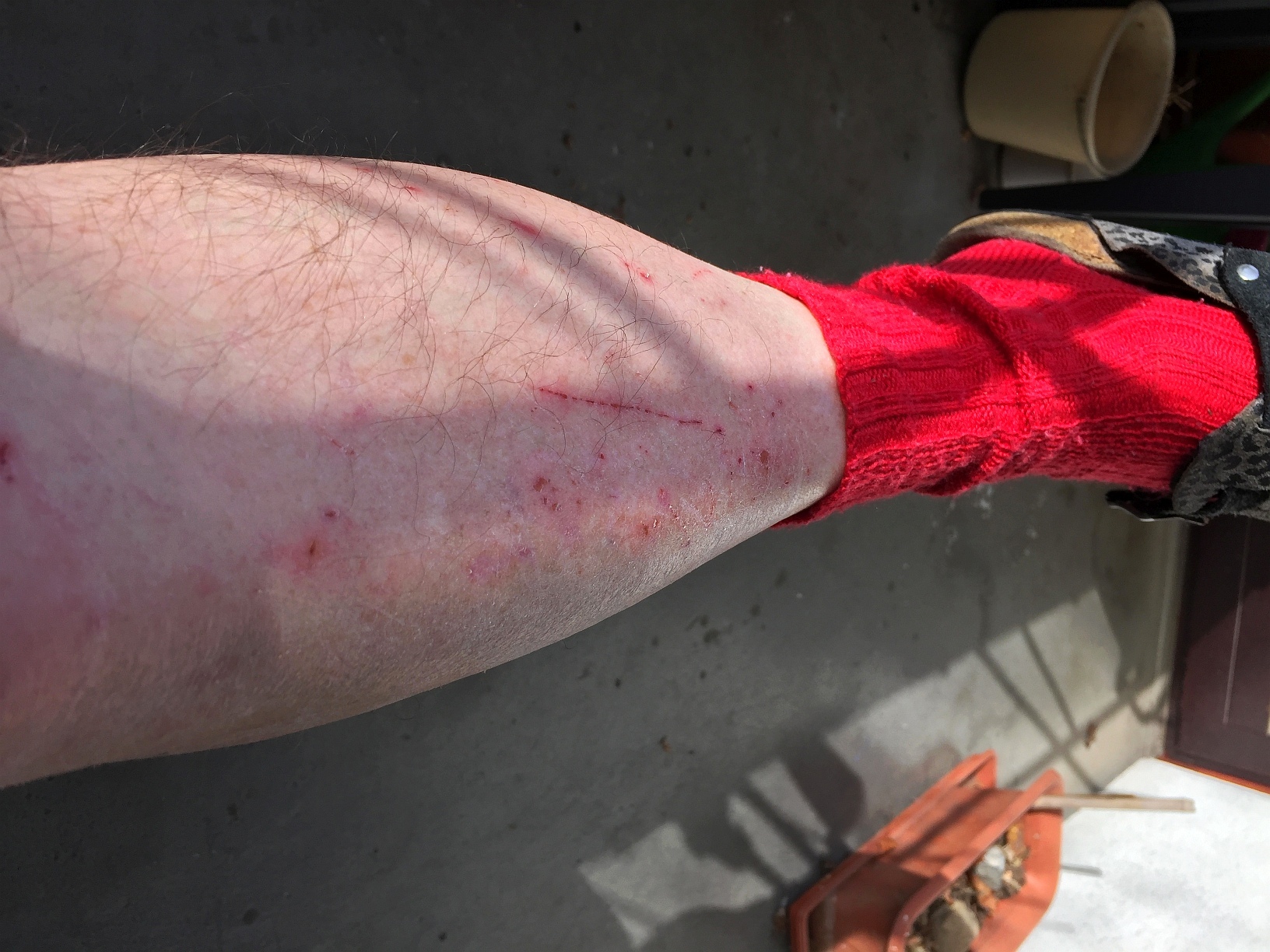
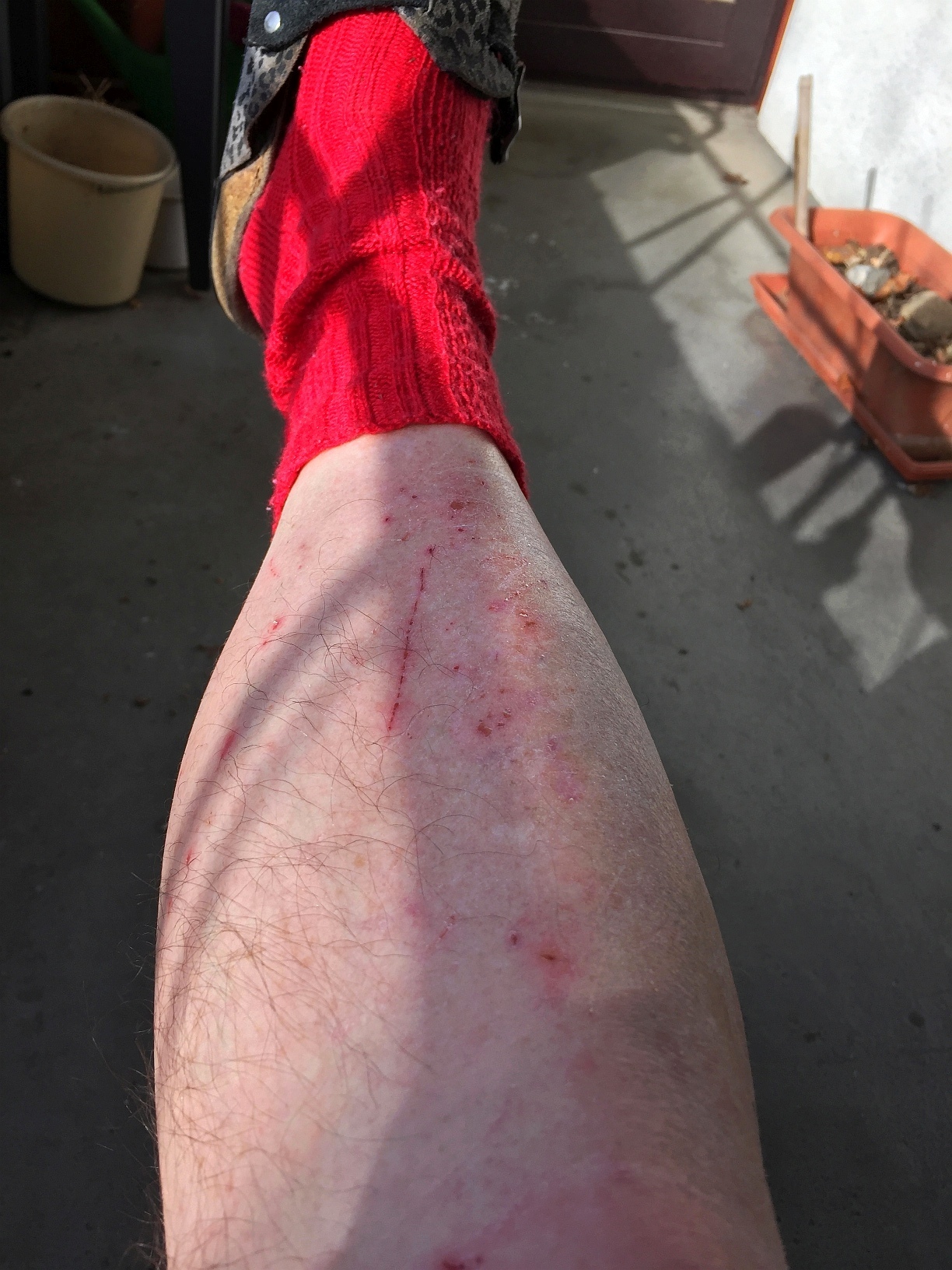
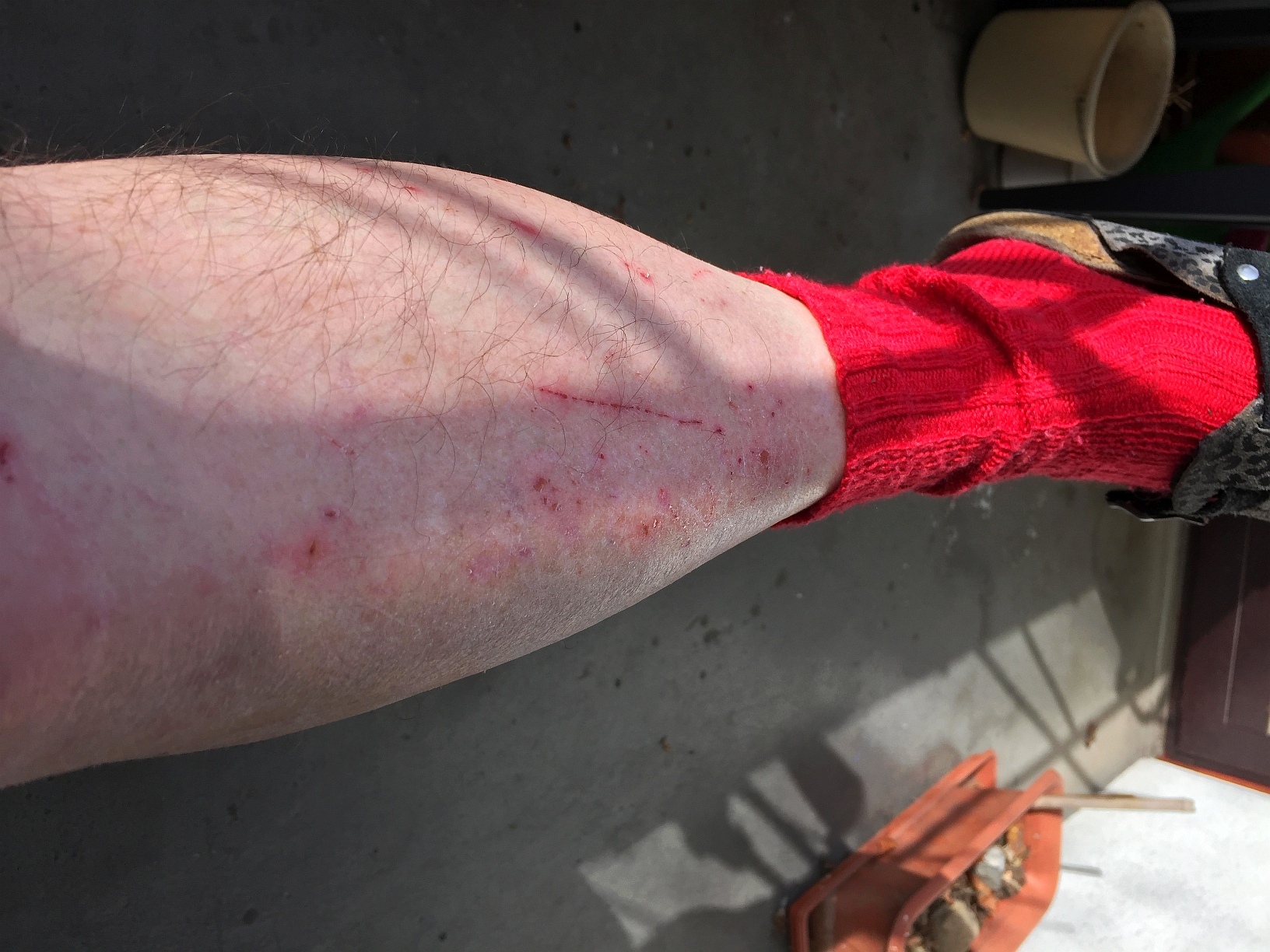
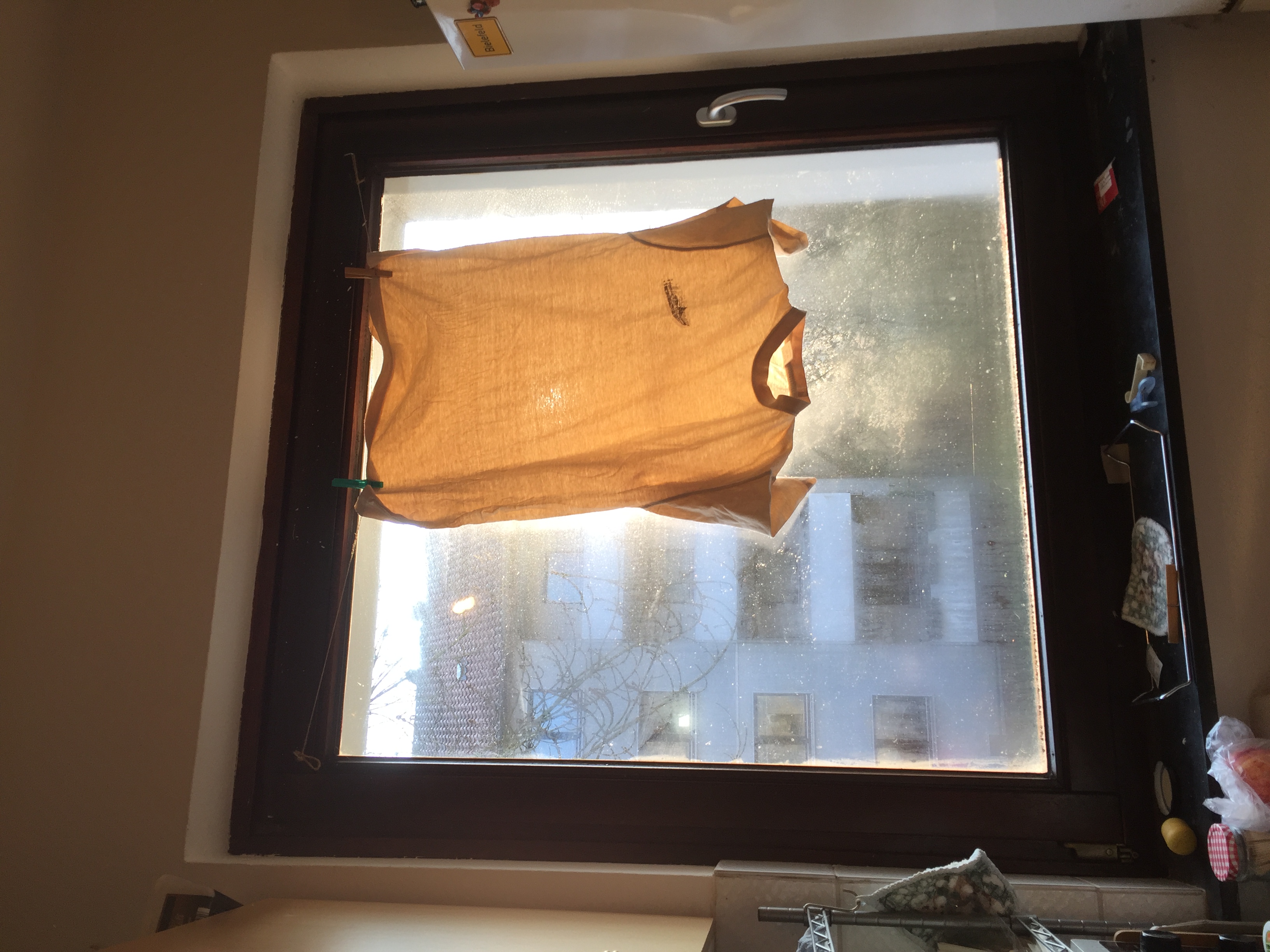
260322_8091i6_1_original_Fruestueckssonne.jpg 260322_8091i6_2_RenamedWithIrfanViewBatch_Fruestueckssonne.jpg 260322_8091i6_3_RotatedInWin10-Filemanager_Fruestueckssonne.jpg
Left Photo
Browser Preview shows how it looks on iPhone6 Screen, IrfanView, Win10 files Explorer Preview, nearby all my image viewers. Gimp Asks "Show turne or original orientation?". rotation view like in FP in Libreoffice Draw,
In FP Gallery Preview it is shown wrongly rotated 90° clockwise
Image View: orientation is shown correct, but the Protrait Photo is shown Landscape, with and height interchanged
Published by RrBd1957 in Technology , Test Results , Test Pages | Add a comment
Friday, March 20, 2026 at Mar 20, 2026
.
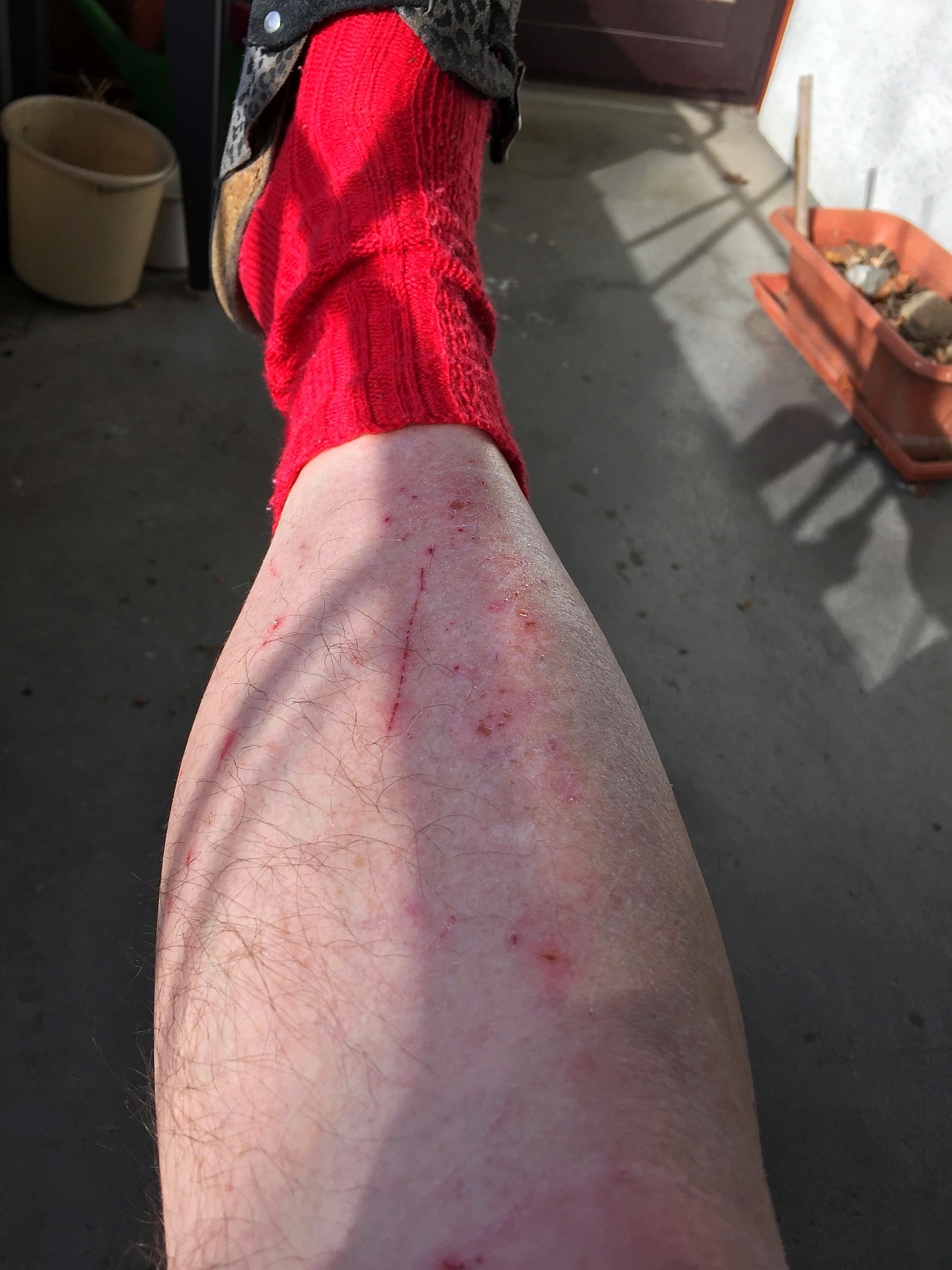
Here we have a gallery
With leg Photos uploaded with metadata
After I changed FP Protection Preferences
Now again Photos single view instead of Gallery
In both cases:
now for photos with uploaded Metadata orientation in preview is different to orientation in only Photo view:
STR:
Look at the photos
Decide which one you want to test
Click on it
» Expected: Photo view has same orientation like in preview on Posting
This result differs from the result in Posting with Photos without Metadata
Published by RrBd1957 in Technology , Test Results , Test Pages | Add a comment
Wednesday, March 18, 2026 at Mar 18, 2026
260307_7892i6__Stadtputz-Beene-2rot.jpg
260307_7892i6__Stadtputz-Beene.jpg
Gallery:
260307_7892i6_Stadtputz-Beene-2rot.jpg 260307_7892i6_Stadtputz-Beene.jpg
Here single Photo view and also Gallery Preview and also Photo view in Gallery follow the same logic: "If height bigger than iwdth let's show it 'Portrait'"
Published by RrBd1957 in Technology , Test Results , Test Pages | Add a comment
Monday, February 23, 2026 at Feb 23, 2026
Published by RrBd1957 in Technology , Test Results , Test Pages | Add a comment
Saturday, February 21, 2026 at Feb 21, 2026
Markdwon Tests: Code snippets should be shown character by character
Example: Unbreakable Space
Some lines with various code view tests
Example: Unbreakable Space
Here a line with second character group in Markdown Code Syntaxbbbbbbbbbbbb ccccccccccc
Here a line with second character group in Markdown Code Syntax ccccccccccc
And Multilinecode
All works fine
Now the same in BBC Code
Code due to this manual "Creating code"
Example:
<!DOCTYPE html>
<html>
<body>
<h1>My first PHP page</h1>
<?php
echo “Hello World!”
?>
</body>
</html>
There are no mistakes:
Now an own example: Unbreakable Space between Characters
a b c
That's wrong
Also affects other encodings?
¡
¡ should have been shown as "¡"
Encoding for other examples see
here
¢
¢ ¢
¥
­ ­
®
® ®
Δ
Δ Δ
All wrong
Published by RrBd1957 in Technology , Test Results , Test Pages | Add a comment